SKU barcode scanning
Find a matching ready order by SKU and print one shipping-label page. A SKU can match an uploaded order even when it is absent from the optional image catalog.
 KNhyanaTECHNOLOGIES
E-COMMERCE FULFILMENT SOFTWARE
Give operators a clear sequence: scan the SKU, check the product, complete the order and print its shipping label.
PrintScan Pack is a Windows application for teams working with downloaded marketplace order files. Import your SKU image catalog and supported shipping-label PDFs, select the platform and installed printer, then scan items at the packing desk.
For Amazon, Flipkart, Meesho and other marketplace sellers, suitability depends on the actual exported label format. Ask for a demonstration using representative sample files before rollout. PrintScan Pack works with uploaded files; it does not synchronize directly with marketplace accounts.
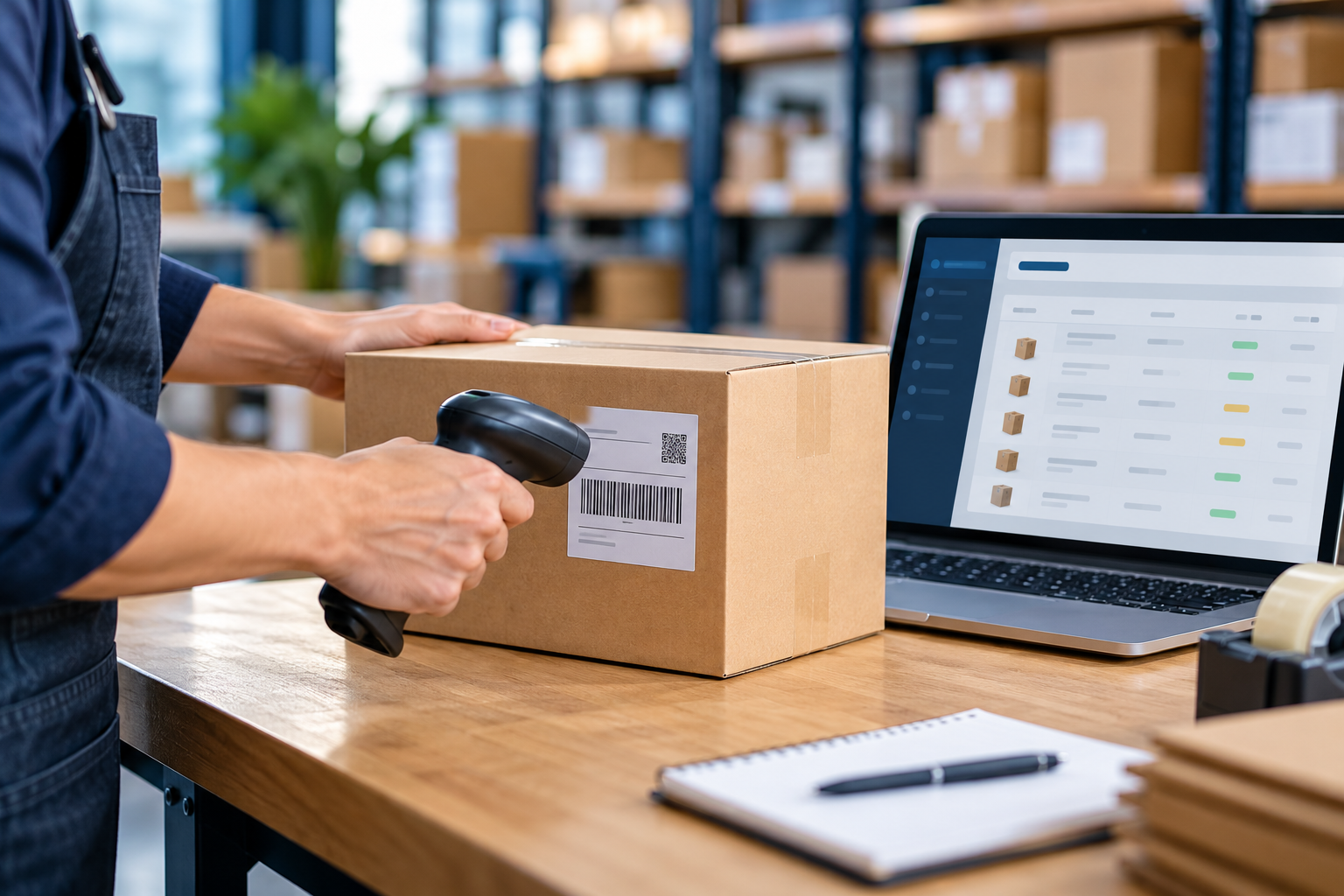
Find a matching ready order by SKU and print one shipping-label page. A SKU can match an uploaded order even when it is absent from the optional image catalog.
Show operators the product image from a supported web link, local file or accessible shared folder alongside the shipping-label preview.
Prompt operators to scan the required items and quantities for an order before printing. A confirmed override is available when the operator needs it.
Import supported PDF labels by platform. Additional Platform combines supported ZPL files with an order database that maps order IDs, SKUs and quantities.
Select an installed Windows printer and review labels before use. Confirm a reprint for damaged labels; check physical output before retrying an uncertain job.
Keep SKU catalogs and packing data on the workstation. A valid saved licence continues to work offline until its subscription expiry.
Explore our fully automatic electric bagging and labeling machine offering and discuss your packaging requirements.
Order verification and shipping-label printing are separate steps from sealing, strapping or wrapping a parcel. Plan the operator hand-off between the scanning workstation and the physical packing process, including label size, printer placement and product checks.
If your workflow uses a packing machine, share its model, operating sequence and interface documentation with KNhyana when discussing software requirements. Compatibility and any custom integration must be assessed before implementation.
It is a local Windows packing and label-printing application. It uses uploaded order files, with online activation and subscription verification.
No universal format guarantee is made. Supported PDF layouts and ZPL commands must be checked against your actual files before bulk use.
Direct machine control is not a standard PrintScan Pack feature. Share your equipment specifications to discuss whether a separate software integration is feasible.
KNHYANA TECHNOLOGIES · VADODARA, GUJARAT
Discuss your packing process and arrange a PrintScan Pack demonstration.